
To export a specified worksheet as HTML to a stream:
worksheet.ExportAsHTML(System.IO.Stream stream)
worksheet.ExportAsHTML(System.IO.Stream stream, string pageTitle)
worksheet.ExportAsHTML(System.IO.Stream stream, string pageTitle, bool exportHeader)
For example:
var worksheet = grid.CurrentWorkbook;

using (FileStream fs = new FileStream("sample.html", FileMode.Create, FileAccess.Write))
{
  worksheet.ExportAsHTML(fs, "Sample Page");
}
Export as string in memory
string outputString;

using (MemoryStream ms = new MemoryStream(8192))
{
  worksheet.ExportAsHTML(ms);
  outputString = Encoding.Default.GetString(ms);
}
Export without HTML header (only table element and children)
Pass false as the third argument exportHeader to omit the default HTML header. This is useful when embedding the output into an existing HTML page or generating your own HTML wrapper.
worksheet.ExportAsHTML(stream, null, false);Sample
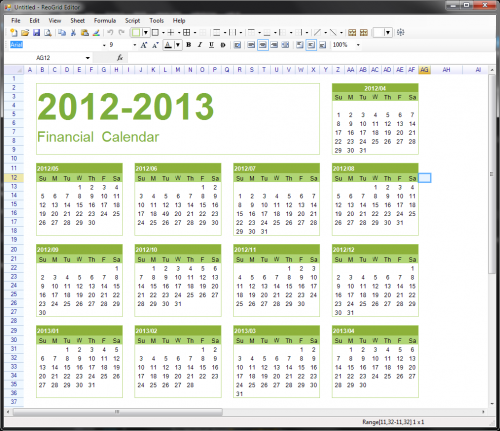
Worksheet displayed in Editor
Worksheet exported as HTML (displayed in Internet Explorer)