
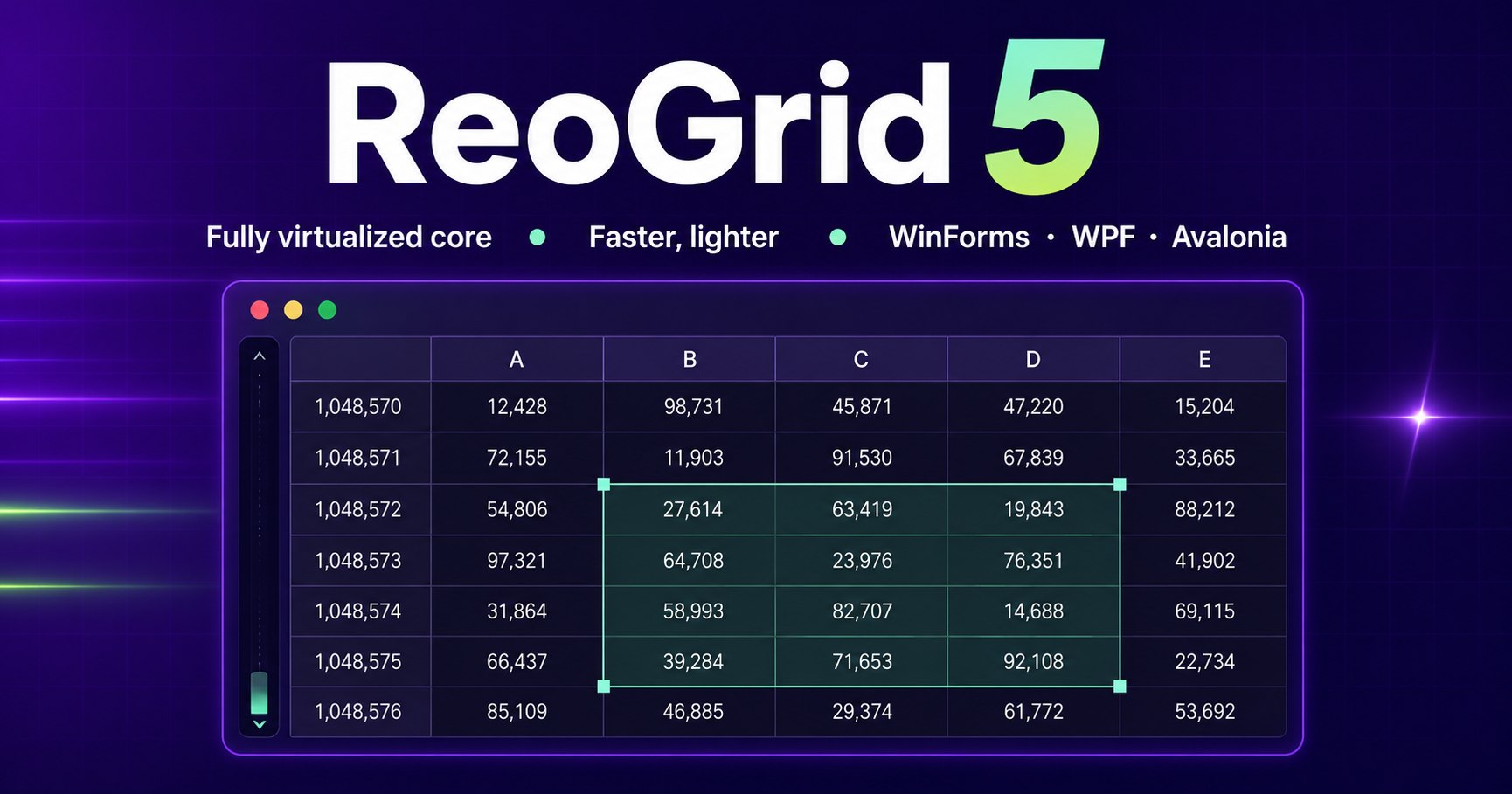
ReoGrid V5 Is Coming — A Next-Generation Rebuild, and a New Licensing Model from August 19, 2026

· unvell team
ReoGrid V5 Is Coming — A Next-Generation Rebuild, and a New Licensing Model from August 19, 2026

We are preparing ReoGrid V5, the next generation of our .NET spreadsheet component — and, alongside it, a new licensing and pricing model that takes effect on August 19, 2026.


ReoGrid V5 — rebuilt from the core

V5 is not an incremental update. The core has been rebuilt around a fully virtualized architecture, so the engine only ever materializes the data it actually needs.

What that means in practice:

  • Faster in both WinForms and WPF. The gains come from the shared core, so neither UI stack is a second-class citizen.
  • Substantially lower memory use, particularly with large workbooks — the workloads where the old architecture cost the most.
  • A new platform: Avalonia. In addition to WinForms and WPF, V5 introduces support for Avalonia, bringing ReoGrid to cross-platform .NET desktop applications.

We will publish detailed benchmarks and a migration guide as the release approaches.

A new licensing model from August 19, 2026

Together with the V5 release, we are moving to a new licensing and pricing model on August 19, 2026.

We are not publishing the new pricing yet — it will go live when V5 becomes generally available, so that what you see on this site always matches what you are actually charged. Until that date, current pricing and the current editions remain in effect, and orders placed today are handled exactly as they are now.

ReoGrid V4 is not going away. There is no end-of-sale or end-of-life planned for V4; it stays available and supported.

Thank you for your patience — we will share the full details here as soon as V5 is on sale.

Questions?

If you are planning a purchase or a rollout around this timing and want to talk it through, we are happy to help.

Contact us →

Try ReoGrid in your own project

The Excel-compatible spreadsheet component for .NET WinForms and WPF. 30-day free trial — no credit card required.

Related articles

When Your Nested IFs Go Three Levels Deep, Switch to IFS — Sorting Out IF / AND / OR / IFERROR

Pass/fail checks, letter grades, achievement-rate rankings — business spreadsheets are full of conditional logic. Everyone's first tool is IF, but once the nesting gets deep the parentheses become unreadable. This guide sorts out IFS for flattening nested IFs, AND / OR for combining conditions, and IFERROR for turning errors into sensible defaults — then shows how ReoGrid (IFS / IFERROR supported since V4.5) runs the same formulas inside a WinForms / WPF app, no Office required.

Split Full Names, Parse Codes, Join Columns — Text Manipulation with LEFT, MID, FIND, SUBSTITUTE and TEXTJOIN in C#

Splitting full names into first and last, pulling the domain out of an email address, breaking a product code apart at the hyphens — string cleanup is one line of C# with Split, but if users need to see and fix the results on screen, spreadsheet formulas are the better tool. This guide covers the workhorse recipes built from LEFT, MID, FIND, SUBSTITUTE, and TEXTJOIN, the classic traps (stray spaces, the missing SEARCH function), and how ReoGrid (supported in V4.5) runs the same formulas inside a WinForms / WPF app — no Office required.

EDATE, EOMONTH, WORKDAY, NETWORKDAYS — Business Date Calculations with Spreadsheet Formulas in C#

"Due at the end of next month," "ship within 5 business days," "remind 3 business days before the deadline" — business apps are full of date rules that are surprisingly fiddly to hand-code with DateTime. Excel solved them long ago with EDATE, EOMONTH, WORKDAY, and NETWORKDAYS. This guide sorts out what each one does, the classic off-by-one traps, and how ReoGrid (supported in V4.5) runs the same formulas inside a WinForms / WPF app — no Office required.